Seven Eleven ATM
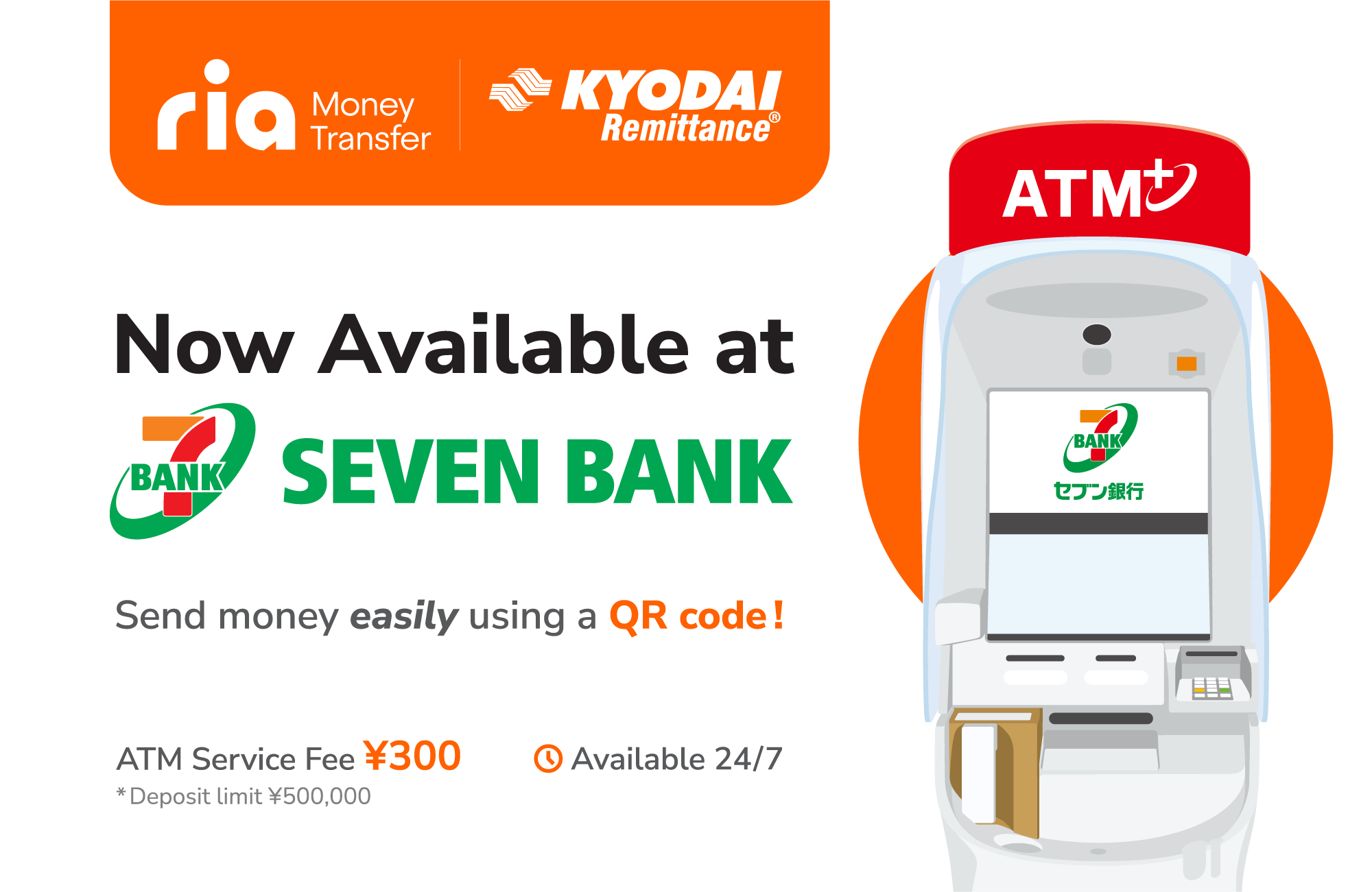
ငွေပို့ဖို့အတွက်,နည်းလမ်းအသစ်!
Seven Bank ATM စက်တွေကနေတဆင့် Ria Kyodai App ကို ငွေဖြည့်ပါ
QR ကုဒ်ကို အသုံးပြုပြီး လွယ်ကူ မြန်ဆန် စိတ်ချရတဲ့ ငွေဖြည့်သွင်းမှုပါ
ဂျပန်နိုင်ငံတစ်ဝှမ်းရှိ Seven Bank ATM စက်များ မှတစ်ဆင့် Kyodai Appထဲ ငွေဖြည့်သွင်း နည်းလမ်းသစ်ကို မိတ်ဆက်ပေးခွင့်ရတဲ့အတွက်အထူး ဝမ်းမြောက်မိပါတယ်။ဤဝန်ဆောင်မှုအသစ်ဖြင့် စတိုးဆိုင် သို့ card ယူသွားသွားစရာမလိုဘဲ ရိုးရှင်းသော အဆင့်အနည်းငယ်ဖြင့် Ria Kyodai App လက်ကျန်ငွေထဲသို့ ငွေသားတိုက်ရိုက်ထည့်သွင်းနိုင်ပါတယ်။
အသုံးပြုနည်း
- Seven Bank ATM မှာ “Deposit / Withdrawal Money Transfer”ကို ရွေးချယ်ပါ။
- “Scan QR code using smartphone”ကို ရွေးချယ်ပါ။
- Ria KyodaiApp ကိုဖွင့်ပါ
- “Scan QR, top up from ATM (Seven Bank)”ရွေးပါ
- Seven Bank ATM မှာပြသထားတဲ့ QR ကုဒ်ကို Scan ဖတ်ပါ။
- Seven Bank ATM မှာ “Next” ကိုနှိပ်ပါ။
- “Company number”ဝင်ပါ
- “Confirm”နှိပ်ပါ
- ATM မှာ ငွေသွင်းပေးပါ။
- Ria Kyodai App သို့ ပြန်စစ်ကြည့်ပေးပါ, သင့်လက်ကျန်ငွေအဖြစ် ထဲ့သွင်းငွေပမာဏကို ပြသနေပါမယ်။
ဘာကြောင့် ဒီဝန်ဆောင်မှုကို အသုံးပြုသင့်တာလဲ?
- တစ်နိုင်ငံလုံးရှိ Seven Bank ATM စက်များတွင် အသုံးပြုနိုင်ပါတယ်။
- လွယ်ကူ မြန်ဆန်
- လုံခြုံစိတ်ချရတဲ့ ငွေသွင်း/ငွေလွှဲခြင်း
ဒီနေ့ပဲ သင့်ရဲ့ငွေလွှဲကို စီမံခန့်ခွဲဖို့ ပိုမိုစမတ်ကျတဲ့ဝန်ဆောင်မှုနည်းလမ်းအသစ်ကို စတင်အသုံးပြုလိုက်ပါ။
အမြဲမေးလေ့ရှိသောမေးခွန်းများ
Q1: Kyodai App ကို ဘယ်မှာ ငွေဖြည့်လို့ရလဲ။?
ဂျပန်နိုင်ငံတစ်ဝှမ်းရှိ Seven Bank ATM စက်တိုင်းကို အသုံးပြုနိုင်ပါတယ်။
Q2: ငွေဖြည့်သွင်းဖို့ ကတ်တစ်ခု လိုအပ်ပါသလား?
မလိုပါဘူး、Ria Kyodai App နဲ့ စမတ်ဖုန်းပဲ လိုပါတယ်။
Q3: လုပ်ငန်းစဉ်ကို ဘယ်လိုစတင်ရမလဲ?
Ria Kyodai App ကိုဖွင့်ပြီး the top-up option ကိုရွေးချယ်ပါ၊ ထို့နောက် ATM စက်ရှိ QR ကုဒ်ကို scan ဖတ်ပါ။
Q4:Company numberဆိုတာဘာလဲ?
QR ကုဒ်ကို scan ဖတ်ပြီးနောက်၊ App သည် သင် ATM စက်ထဲသို့ ရိုက်ထည့်ရမည့် Company numberကို ပြပေးပါမယ်။
Q5: လက်ကျန်ငွေကို အပ်ဒိတ်လုပ်ဖို့ အချိန်ဘယ်လောက်ကြာမလဲ?
ငွေသွင်းပြီးသည်နှင့် လက်ကျန်ငွေကို ချက်ချင်း အပ်ဒိတ်လုပ်ပါမယ်။
Q6: ဝန်ဆောင်မှုက စိတ်ချလုံခြုံရပါလား?
စိတ်ချရပါတယ်、ငွေပေးငွေယူအားလုံးကို လုံခြုံသောစနစ်မှတစ်ဆင့် လုပ်ဆောင်ပါတယ်။
Q7: ဝန်ဆောင်ခ ?
ရှိပါတယ်、မသုံးခင် applicable ATM နှင့်service fees ကို စစ်ပေးပါ
ထပ်မံလေ့လာရန်:
How to use the Ria Kyodai Smart Card on Seven Bank ATM?
How to use the Ria Kyodai Remittance Card on Seven Bank ATM?