Seven Eleven ATMs
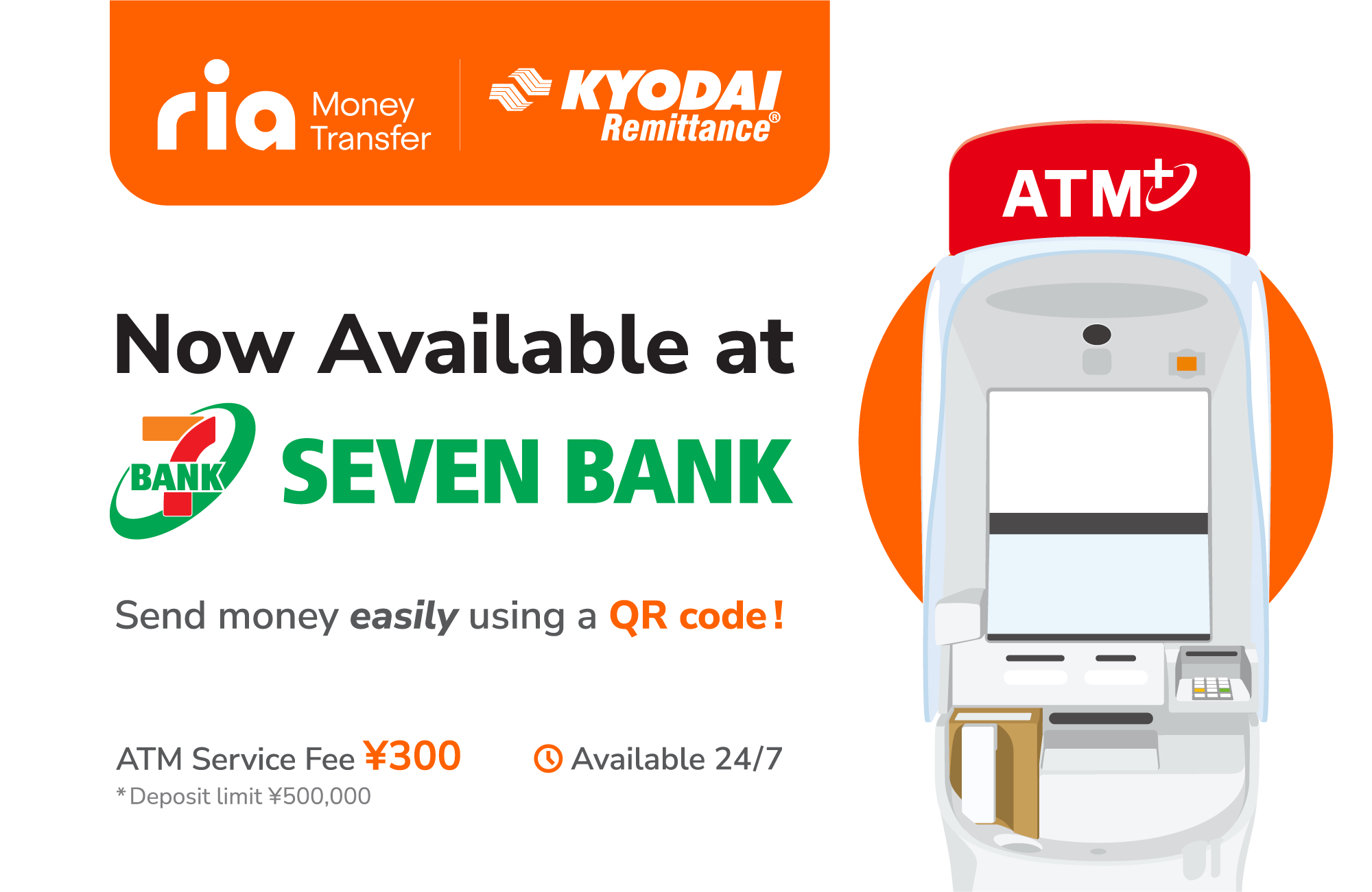
New! To send your money,
Top Up your Ria Kyodai App at Seven Bank ATMs
Easy, fast, and secure deposits using QR code
We are pleased to introduce a new, convenient way to top up your Kyodai App at Seven Bank ATMs across Japan. With this new service, you can deposit cash directly into your Ria Kyodai App balance in just a few simple steps, without needing to visit our branches or use a card.
How it works:
- In the Seven Bank ATM, select the “Deposit / Withdrawal Money Transfer”
- Select “Scan QR code using smartphone”
- Open your Ria KyodaiApp
- Select “Scan QR, top up from ATM (Seven Bank)”
- Read the QR code displayed at the Seven Bank ATM.
- On the Seven Bank ATM Press “Next”
- Enter the “Company number”
- Press “Confirm”
- Complete the deposit at the ATM
- Return to your Ria KyodaiApp and the amount will appear in your balance.
Why use this service?
Start using this new feature today and enjoy a smarter way to manage your remittance balance.
FAQ
Q1: Where can I top up my Kyodai App?
You can use any Seven Bank ATM across Japan.
Q2: Do I need a card to deposit?
No. You only need your Ria Kyodai App and your smartphone.
Q3: How do I start the process?
Open the Ria Kyodai App and select the top-up option, then scan the QR code at
the ATM.
Q4: What is the Company number?
After scanning the QR code, the app will display the Company number that you
must enter into the ATM.
Q5: How long does it take for the
balance to update?
The balance is updated instantly after confirming the deposit.
Q6: Is the service secure?
Yes. All transactions are processed through a secure system.
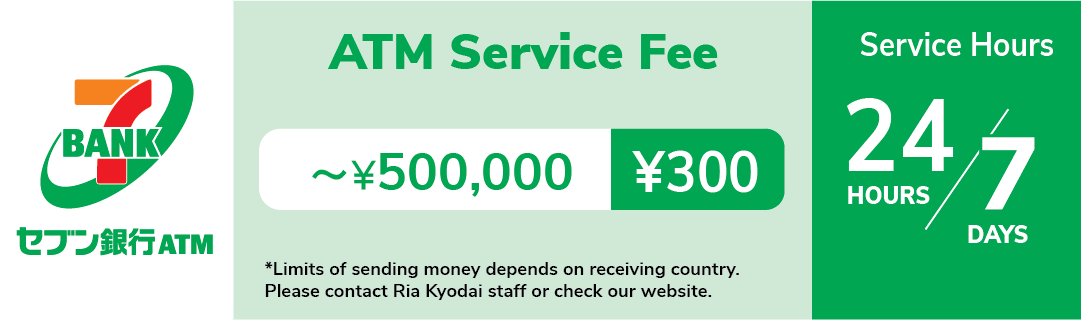
Q7: Are there any fees?
Yes, please check the applicable ATM fee and service fees before.
Also check:
How to use the Ria Kyodai Smart Card on Seven Bank ATMs?
How to use the Ria Kyodai Remittance Card on Seven Bank ATMs?